• Skip to main content

Passion4Social

  • Home
  • Our Services
    • All Accessibility Services
    • Accessibility Audit Services
    • Accessibility Overlay
    • Accessible Websites
    • Accessible Marketing and Comms
    • FAQs
  • Our Impact
    • Impact
    • Impact reports
    • Our story
    • Our team
    • Join our Board
  • Engage and Learn
    • Free webinars
    • Blog
    • Ebooks
  • Contact
You are here:
Engage and learn - Let’s do virtual meetups in accessible style this festive season!
a man in purple jacket and woman in a sparkling dress looking at the smartphone and smiling. On the left there is a card overlay that shows the phone screen. It has passion4social logo and text Passion4social would like to video call with accept and decline buttons

Let’s do virtual meetups in accessible style this festive season!

December 20, 2023

Est min

For those of us whose disability or health condition means that leaving home is a no-no; virtual meetups can represent the only way to connect with family and friends, share experiences, attend important appointments and participate in social activities.

Going virtual especially comes into its own during the festive season when the prospect of spending Christmas or other observance days alone increases feelings of loneliness and isolation.

We love a chance to celebrate the holidays or share a few glasses of festive spirit as much as the next person, but often a lack of accessibility in party venues and community spaces leaves us saying ‘Bah Humbug!’

So team Passion4Social is sharing our favourite Google Meet’s accessibility hacks to ensure you don’t miss out on one moment of fun this year!

A woman in a purple jumper sitting at a table in a cafe. She is looking at her laptop screen and laughing

The X factor

Our remote working business model enables our employees to circumnavigate the physical and attitudinal barriers that they might experience in a more traditional office setting.

However, choosing a video conferencing platform that allowed everyone to fully participate in events, and gave them the confidence that their ideas were being listened to, has not been without its challenges.

Google Meets, as it turns out, has the X factor that everyone was looking for.

It caters to everyone’s diverse needs and differing levels of digital experience which is why we use it to host everything from staff training to our annual festive quiz.

2 guys one in white jumper and the other one in purple sitting at the table and waving their hands to say hi to someone on their laptop. Behind them, there is a christmas tree.

Our top tips for perfect sound and vision this festive season

There was some truly magnificent festive apparel on show during said team quiz, which took place last week.

Not forgetting a beautiful rendition of Mariah Carey’s classic ‘All I Want for Christmas’ from our intern Andressa.

We made the following simple tweaks to our Google Meet settings to make sure everyone had the same inclusive welcoming experience.

We’d recommend you try them for yourself but bear in mind, these are just skimming the surface of the accessibility features Google Meet offers, so do also carry out your research to see what works best for you.

a couple is sitting on the floor with their laptop. They are both smiling and waving to the screen

Turn on live captions when you join a meeting

This will provide real-time text captions when someone speaks, enabling you to follow the conversation with much greater clarity if you are deaf, have hearing loss, or simply prefer to process information in a written format.

The icon to do this is located at the bottom right of your screen.

No more missing out on the punchlines of all those cheesy jokes your oldest friend is so fond of sharing. Aren’t you glad?

Worth noting, that if you record the proceedings for posterity, you will need to select (record captions) to ensure they are embedded in the video.

A black laptop keyboard with a hand typing. The laptop's screen is blurred

Enable the push-to-talk feature in audio settings

This feature will allow you to switch your mic on and off using the space bar if you have limited mobility, or use assistive technology to control Google Meet functions.

Worth noting, it is not always a viable option for screen reader users whose space bar may perform a different function, but other keyboard shortcuts will work as well.

So, dispense with the worry of interrupting the sing-along or movie marathon with unexpected background noise. Do your worst Fido, for you and the Amazon delivery driver shall not spoil our fun! (Other shopping outlets are of course available).

A girl in orange headphones is sitting at the table in front of her laptop. Behind her there is a big window

Enable automated transcripts in Google Workspace editions by accessing the activities tab

In much the same way as the live captions, this feature will be useful to those of you who may experience challenges in keeping up with the conversation in real-time.

It is a written record of everything said throughout proceedings, so it can be handy for refreshing your memory on those must-see TV shows your friends shared, or you could simply use it to recreate that moment when your work bestie couldn’t get to grips with the book of festive tongue twisters you so generously sent her.
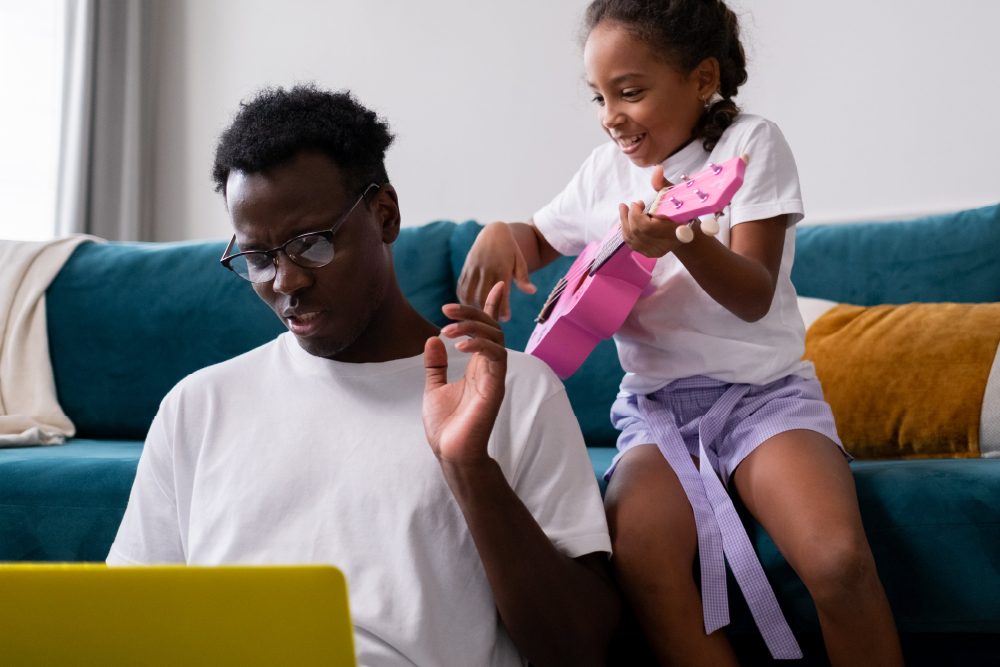
A man sitting on the floor. He is looking at his laptop and concentrating. Behind him on the sofa his daughter trying to play toy guitar

Cut out distractions

Turn on noise cancellation in audio settings if background noises such as typing, or notification sounds interrupt your focus.

You can also turn off the video feeds of other participants at the meeting, if you want to focus your view on your MC for example, or avoid being distracted by people who accidentally draw your attention by moving around.

They won’t be notified or see any difference on their screen, so if Uncle George’s shirt and tie combo is even more offensive than usual, then you’ve got our permission to have at it!

A woman who is wearing lots of metallic bracelets on one hand and watch on the other is typing on a laptop keyboard.

Turn on keyboard shortcuts in Gmail settings

These will allow you to control the camera, navigate around Google Meet and use accessibility features.

Enabling shortcuts is especially beneficial to screen reader users or anyone needing to input information through a keyboard only.

So no more killing the party vibes whilst it takes you an age to put your answers to the quiz questions on the chat!

Instructions on how to toggle keyboard shortcuts on or off, as well as a list of commands.
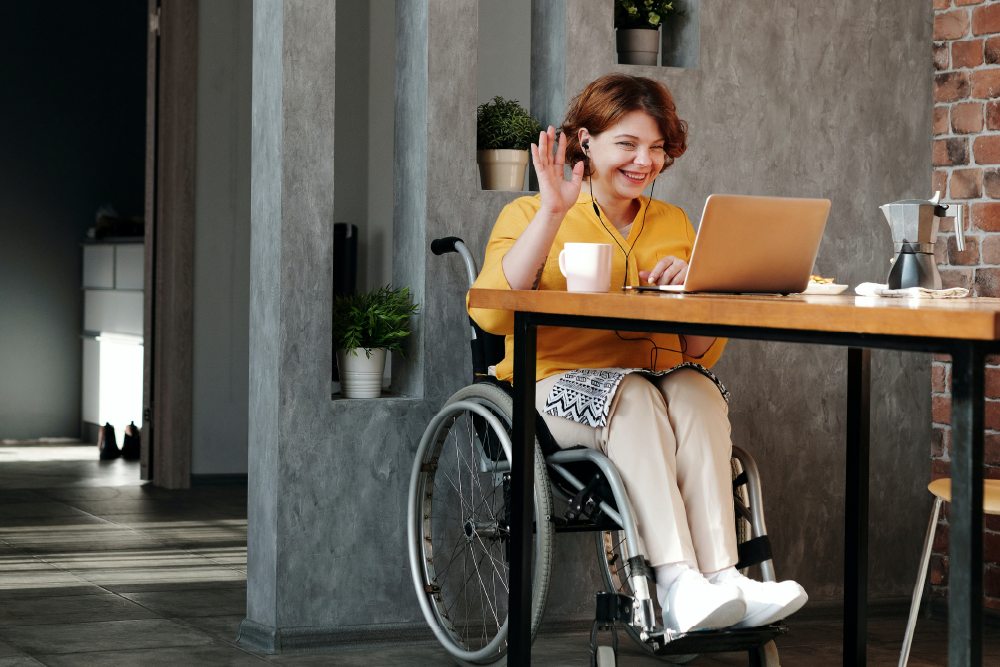
A girl in a yellow shirt in a wheelchair is waving at her laptop screen. She is wearing headphones.

Limit the use of the chat function while people are speaking to give screen readers a chance to do their job

Google Meet is compatible with screen reading software; however, life can get very confusing if a visually impaired participant is trying to listen to what a speaker is saying whilst being bombarded with constant chat messages.

It sounds something like the babble you might hear when you land the dial on your radio between two stations.

So a little bit of chat etiquette goes a long way. Keep the chat feature for dedicated times during your event and everyone can have their say on the age-old debate about Die Hard.

Is it really a Christmas movie?

Check out Google support for information on all accessibility features and extensions

As we said earlier, the tips above are just a flavour of Google Meet’s capabilities when it comes to accessibility, so we’d suggest you have a thorough exploration of the Google Meet Accessibility support page.

It covers everything we’ve mentioned and much more. You are bound to find a solution that meets your specific needs.

Share via social media:

FacebookLinkedIn

You may also like...

Articles & Guides
Two smiling young people, lying on the floor in front of an open laptop computer, surrounded by books and school bags. An illustrative pencil graphic draws a line across the image from an accessibility icon drawn on the laptop lid. Passion4Social (logo).

Teaching digital accessibility early: The future of inclusive education

In this article: Why accessibility should be integrated in education...

Digital accessibility Accessibility Digital Inclusion
Read article Teaching digital accessibility early: The future of inclusive education
Articles & Guides
A dark grey, textured ground surface with a painted yellow accessibility icon. Painted yellow text reads: ‘Accessibility beyond websites.’ Passion4Social (logo).

Accessibility beyond websites: The rise of accessible everything

In today’s blog, you will read about: How digital accessibility...

Accessibility Digital Inclusion
Read article Accessibility beyond websites: The rise of accessible everything
Articles & Guides
Accessibility does not need to be dull – Quiz

Accessible Content Does Not Need to Be Dull

Who says accessible content has to be boring? Some people...

Quiz Accessibility Digital Inclusion
Read article Accessible Content Does Not Need to Be Dull
Articles & Guides
Amplifying disabled voices — Disability Pride Month, illustrated with a megaphone graphic

Digital Accessibility in Action: The Platforms, Creators and Advocates Amplifying Disabled Voices

As we tell anyone who will listen, creating accessible digital...

Accessibility Digital Inclusion
Read article Digital Accessibility in Action: The Platforms, Creators and Advocates Amplifying Disabled Voices
Upcoming free webinar
What you need to know about WCAG 3.0

What you need to know about WCAG 3.0

October 28, 2026 , 12 pm - 1 pm GMT

WCAG Accessibility Digital Inclusion
Register What you need to know about WCAG 3.0 (Opens in a new window)
Upcoming free webinar
A person holding an SLR camera up to their eye, looking through the lens and smiling against a teal background with a halftone pattern and purple circles. Text reads: ‘Accessible images: The art of alt text. Wednesday 25th of November, 12 pm GMT.’ Passion4Social (logo).

Accessible images: The art of alt text

November 25, 2026 , 12 pm - 1 pm GMT

Accessibility Digital Inclusion
Register Accessible images: The art of alt text (Opens in a new window)
Upcoming free webinar
A person with a prosthetic arm, posing confidently with their arms crossed and a warm smile against a pink background. Text reads: ‘Overlays vs lived experience users: Shortcut or setback? Wednesday 26th of August, 12 pm BST.’ Passion4Social (logo)

Overlays vs lived experience users: Shortcut or setback?

August 26, 2026 , 12 pm - 1 pm BST

Accessibility Digital Inclusion
Register Overlays vs lived experience users: Shortcut or setback? (Opens in a new window)
Articles & Guides
A person using a laptop computer at a wooden desk. Overlapping the laptop screen is a grey and white sad face graphic and a pink document graphic that reads: ‘PDF’. Passion4Social (logo).

When “Save as PDF” isn’t enough: Why accessible PDFs require knowledge, planning, testing and time  

In this article, you will discover: Polished-looking PDFs are not...

PDFs Accessibility
Read article When “Save as PDF” isn’t enough: Why accessible PDFs require knowledge, planning, testing and time  
Upcoming free webinar
A person holding a mobile phone and looking down at the screen with a serious expression against a teal background. Text reads: Digital poverty: Its impact and strategies for the future. Wednesday 23rd of September, 12 pm BST. With guests: Department for Work & Pensions, Lead Scotland. Passion4Social (logo)

Digital poverty: Its impact and strategies for the future

September 23, 2026 , 12 pm - 1 pm BST

Digital Inclusion
Register Digital poverty: Its impact and strategies for the future (Opens in a new window)
Articles & Guides
A laptop computer open on a desk. The screen displays the flag of the European Union with a white accessibility icon and ‘EAA’ at the centre. Passion4Social (logo).

The EAA one year on: What has really changed?

In this blog, you will read about: What has really...

Accessibility
Read article The EAA one year on: What has really changed?
Articles & Guides
A yellow background with a shopping cart. A white bar with a cursor reads: ‘Continue?’

The sales you never got to see and why digital accessibility could be the reason

How sales can be lost without ever appearing in your...

Accessibility
Read article The sales you never got to see and why digital accessibility could be the reason
Articles & Guides
When accessibility is an afterthought – Part 5" — hand placing a ballot in a box

When accessibility is an afterthought: Voting remains a postcode lottery for disabled voters

In  this blog, you will discover: How accessible voting exists...

Accessibility
Read article When accessibility is an afterthought: Voting remains a postcode lottery for disabled voters
Articles & Guides
Graphic with the text '10 quick accessibility wins' alongside a universal accessibility icon

Quick wins: 10 accessibility fixes you can implement now

In some circles, digital accessibility has a bad reputation, but...

Accessibility
Read article Quick wins: 10 accessibility fixes you can implement now
Accessibility Digital Inclusion
ebook cover for The European Accessibility Act

The European Accessibility Act

A practical guide to the European Accessibility Act, explaining what...
Download The European Accessibility Act
Articles & Guides
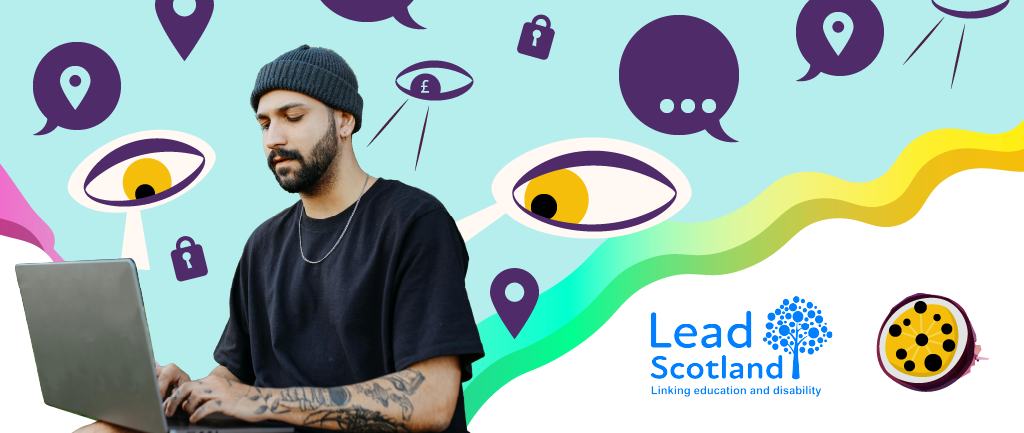
A man using a laptop is surrounded by eyes looking at his screen. There are location icons, speech bubbles and locks to symbolise online security. Lead Scotland and Passion4Social logos

Considering diversity in cyber security: Designing inclusive systems for disabled and neurodivergent users

Cyber security is no longer something that works away unobtrusively...
Cybersecurity
Read article Considering diversity in cyber security: Designing inclusive systems for disabled and neurodivergent users
Articles & Guides
A hand using a computer mouse and a white exclamation mark are outlined with green and black jagged shapes. Passion4Social (logo).

When a click becomes exhausting: The hidden mental health cost of inaccessible design

Inaccessible digital design carries a hidden mental health cost, moving...
Read article When a click becomes exhausting: The hidden mental health cost of inaccessible design
Articles & Guides
A person using a wheelchair while working on an open laptop computer against a teal background. Passion4Social (logo).

Technical expertise built on lived experience: Why our testers notice what others miss

Authentic accessibility goes beyond technical terminology or compliance with legal...

Read article Technical expertise built on lived experience: Why our testers notice what others miss
Articles & Guides
Illustrative depiction of neurodiversity showing colourful silhouettes of people and outlines of the human brain. Passion4Social (logo)

Exploring assistive tech in cyber security tools

With CYBERUK 2026 on the horizon, Net-Defence and Passion4Social CIC...

Accessibility Digital Inclusion
Read article Exploring assistive tech in cyber security tools
Articles & Guides
A group of three diverse women gathered around an open laptop computer, looking down at the screen and smiling. Passion4Social (logo)

Who is being left behind? The entry point is digital

Digital inaccessibility is a significant structural barrier that widens the...

Accessibility Digital Inclusion
Read article Who is being left behind? The entry point is digital
Articles & Guides
The torso of a person wearing a stethoscope around their neck and green medical scrubs. Bold black text against a yellow background reads: Patients pay the price

When accessibility is an afterthought: Patients pay the price

Government organisations and institutions spend millions on cybersecurity, protecting their...

Accessibility
Read article When accessibility is an afterthought: Patients pay the price

Ready to take action?

The sooner you start on your accessibility journey, the sooner everyone can benefit from your inclusive online presence.

Start your accessibility journey
People and planet first logo with text underneath stating Verified social enterprise
Living hours employer logo
Cyber essentials certified logo
RNIB visibly better logo
Disability confident employer logo
Living wage employer logo
Edinburgh social enterprise network logo
Scottish union of supported employment SUSE logo
social firms Scotland logo
The good stuff community Edinburgh logo
National lottery community fund logo
Gsen Glasgow Social Enterprise Network logo
p4s_section-3_logo-ses

Back to top

Let's Connect

01506 353625 enquiries@passion4social.com

Copyright © 2025 Passion4Social

Socials

Subscribe
  • Privacy Policy
  • Terms and conditions
  • Sitemap
  • Accessibility Statement
Manage Cookie Consent
To provide the best experiences, we use technologies like cookies to store and/or access device information. Consenting to these technologies will allow us to process data such as browsing behaviour or unique IDs on this site. Not consenting or withdrawing consent, may adversely affect certain features and functions.
Functional Always active
The technical storage or access is strictly necessary for the legitimate purpose of enabling the use of a specific service explicitly requested by the subscriber or user, or for the sole purpose of carrying out the transmission of a communication over an electronic communications network.
Preferences
The technical storage or access is necessary for the legitimate purpose of storing preferences that are not requested by the subscriber or user.
Statistics
The technical storage or access that is used exclusively for statistical purposes. The technical storage or access that is used exclusively for anonymous statistical purposes. Without a subpoena, voluntary compliance on the part of your Internet Service Provider, or additional records from a third party, information stored or retrieved for this purpose alone cannot usually be used to identify you.
Marketing
The technical storage or access is required to create user profiles to send advertising, or to track the user on a website or across several websites for similar marketing purposes.
  • Manage options
  • Manage services
  • Manage {vendor_count} vendors
  • Read more about these purposes
View preferences
  • {title}
  • {title}
  • {title}