• Skip to main content

Passion4Social

  • Home
  • Our Services
    • All Accessibility Services
    • Accessibility Audit Services
    • Accessibility Overlay
    • Accessible Websites
    • Accessible Marketing and Comms
    • FAQs
  • Our Impact
    • Impact
    • Impact reports
    • Our story
    • Our team
  • Engage and Learn
    • Free webinars
    • Blog
    • Ebooks
  • Contact
You are here:
Engage and learn - We stopped looking at CVs; Look what we found instead
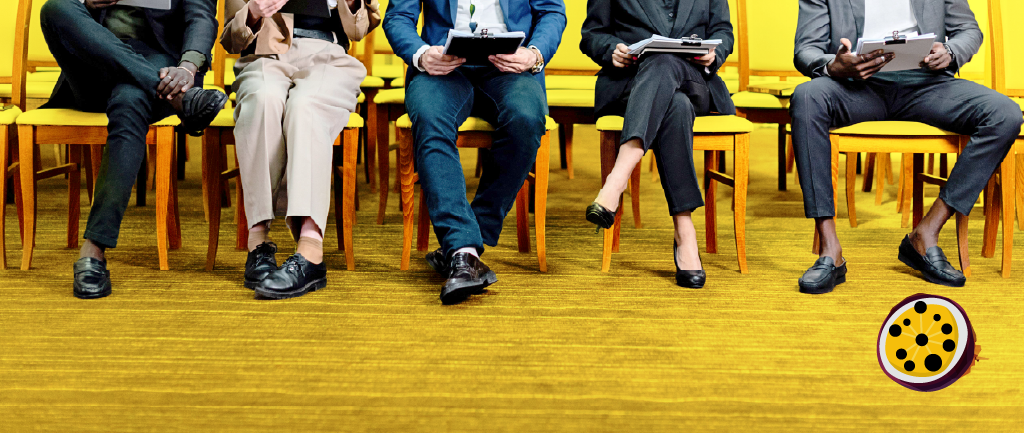
A row of five people from the waist down, sitting in yellow chairs against a yellow background. They are dressed in business attire, some holding clipboards or papers, as if waiting to be interviewed. Passion4Social (logo).

We stopped looking at CVs; Look what we found instead

Passion4Social

August 26, 2026

Est 5 min

With summer in full swing, we recruited people with lived experience of disability for three freelance roles: research participant, accessibility tester, and accessible document designer.

For two intense weeks, we advertised across our social media channels, through our partners’ networks, and in LinkedIn and WhatsApp groups.

We received almost 40 applications. Only those who were overseas, didn’t have lived experience, or applied after the deadline didn’t progress to an interview.

Result: 25 interviews in just 6 working days.

I have to say, it was a marvellous experience!

A stylised hand-drawn illustration of a lilac head inside a purple circle, with lilac and pink spiralling arrows extending outwards outside the circle.

The recruitment process: No CVs requested

Even getting in touch can be a barrier for applicants. We asked them simply to write to us. That was intentional!

Some people got in touch on social media asking how to apply, where the form was, or what they needed to provide. We enjoyed replying to them – after all, they were genuinely interested!

That was our first cut! Applicants who simply attach a CV or fill in a form often miss the opportunity to show that they have taken the time to research the organisation. We also prevented bots from applying for the roles.

We received lovely emails from people who wanted to know more, sharing their intentions and how excited they were about the possibility. Some attached their CV to support their messages; others simply wanted to share their genuine enthusiasm for getting involved.

The interviews: Light, powerful, rewarding and refreshing

For most people, interviews are so bureaucratic, with memorised answers, structured responses designed to showcase their experience, and boxes to tick.

I did it differently! I started by saying it was a chat to explore their abilities, interests, and ways we could collaborate, both within and beyond the advertised roles. One successful applicant said:

“It was always well organised and geared to even the most impatient of us ADHD-ers (me). Thiago always responded quickly, and emails were chunked full of headers so I could get information quickly. If only all companies did this! I think everyone would be better off….”

The conversations became amazing experiences of sharing. Lived experience of disability turned out to be our connection, while skills, interests, and aspirations became the fuel that powered our engine.

“I felt my current skills could be transferable-such as high attention to detail, lived experience of neurodivergence and previous experience of user testing different apps and websites”, a recruit said.

Every conversation developed into opportunities for both sides. Some candidates shared their experience in comms, web development, grants and funding applications, accessibility, business development, strategic thinking, and more.

All the abilities that every business needs!

It was rewarding and refreshing to find so many people who want to make society more inclusive and play a leading role in creating accessible digital experiences for everyone. As one applicant commented:

“I liked the alignment in values about positively impacting and promoting accessibility and improving digital services for disabled users. I am looking forward to growing professionally in a supportive, experienced team and like to think that, hopefully, this work is going to help other people along too.”

Considering that attitude, I saw potential for much more. New roles came to mind, along with opportunities to work together on different projects in the Passion4Social pipeline, such as a big event in Liverpool in May 2027, and the launch of a Digital Accessibility Academy. There was also the possibility of bringing their skills into the business to help generate more work for us.

Our simple recruitment process grew wings.

A smiling person looking down at a laptop screen, waving their right hand.

Outcomes

We selected 11 people to join us across 3 different roles, with some taking on two of the advertised roles.

10 other people will be considered for opportunities to join us as demand increases.

Some of them were referred to our partners; others will engage in different opportunities, and two or three will help Passion4Social grow its business by supporting funding bids, creating special projects together, or even bringing in new business by referring our services to other organisations.

Those who were not selected received warm, human feedback, offering the attention they deserved after putting so much into their applications. We hope it was helpful, and they can use it to grow and develop in future opportunities.

Conclusion

In summary, connecting with people on a human level, rather than relying on AI, filters, and cold CVs, brings so much more to our business and our relationships.

I will definitely replicate this process in the future.

If you’ve made it to this point in the article, I encourage you to rethink your recruitment process and try something different. Something where you can shape the role around the candidate, rather than shaping the candidate to the role. Everybody wins when we recognise and build on people’s abilities!

Watch our Accessibility in Recruitment webinar on demand for an in-depth discussion exploring the benefits that having a fully inclusive hiring process can bring.

Sign up for our newsletter and follow us on LinkedIn for the latest Passion4Social news, including our vacancies.

Share via social media:

FacebookLinkedIn

You may also like...

Articles & Guides
A yellow background with an accessibility icon of a person inside a circle with a question mark thought bubble and a cursor clicking it. Text reads: ‘What is Digital Accessibility?’

What is digital accessibility? A plain language guide

In this article, you will learn: What digital accessibility is...

Accessibility audit Digital accessibility
Read article What is digital accessibility? A plain language guide
Articles & Guides
A laptop on a white desk covered in multi-coloured sticky notes surrounding its screen and keyboard. Black text against a yellow background reads: WCAG accessibility guidelines: What you need to know.

WCAG accessibility guidelines: What you need to know

Discover what the WCAG accessibility guidelines are, why they should...
Accessibility audit Digital accessibility
Read article WCAG accessibility guidelines: What you need to know
Articles & Guides
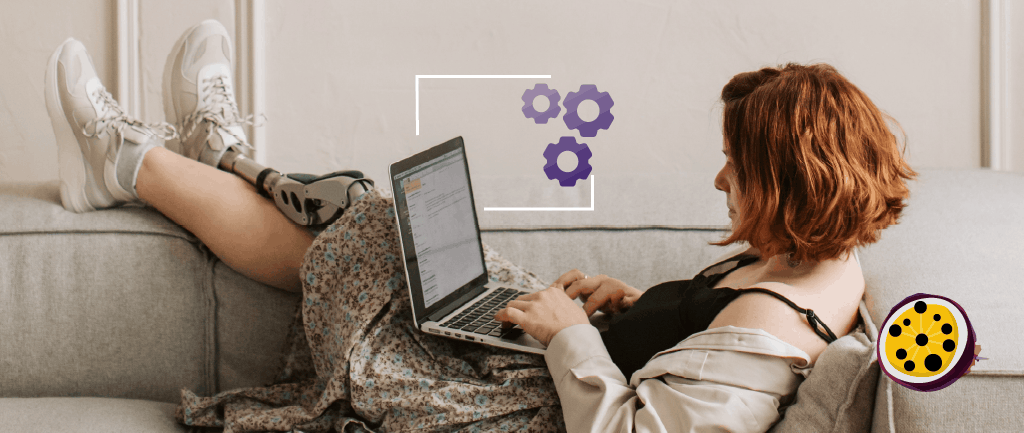
A person with a prosthetic leg reclining on a sofa while working on a laptop. Above the laptop, a graphic shows three purple gears enclosed in a white frame, suggesting they are performing an accessibility audit

Website accessibility audits: How Passion4Social can help UK businesses

Discover how a website accessibility audit can help UK businesses...
Accessibility audit Digital accessibility
Read article Website accessibility audits: How Passion4Social can help UK businesses
Articles & Guides
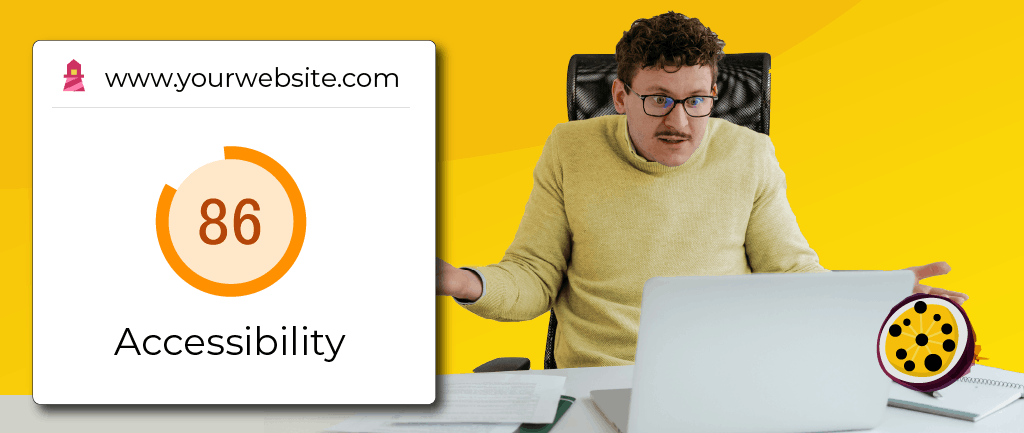
A person sits at a desk against a yellow background, looking at their laptop with a shocked expression, hands open. On the left, an accessibility audit scorecard shows a score of 86

What is an accessibility audit (and do you really need one)?

This article explores how accessibility audits identify digital barriers, why...
Accessibility audit Digital accessibility
Read article What is an accessibility audit (and do you really need one)?
Accessible content Accessibility Digital Inclusion
Illustration of a fountain pen nib with an accessibility symbol

10 simple steps to writing accessible content

Learn how to make your content easier to find, understand,...
Download 10 simple steps to writing accessible content
Articles & Guides
A person sitting outdoors surrounded by green foliage, holding and typing on a laptop, bordered by colourful blocks displaying various United Nations Sustainable Development Goal icons

More accessibility, more green solutions

In this blog, we look at the ways accessibility drives...
Sustainability Environment
Read article More accessibility, more green solutions
Articles & Guides
Two smiling young people, lying on the floor in front of an open laptop computer, surrounded by books and school bags. An illustrative pencil graphic draws a line across the image from an accessibility icon drawn on the laptop lid. Passion4Social (logo).

Teaching digital accessibility early: The future of inclusive education

In this article: Why accessibility should be integrated in education...
Digital accessibility Accessibility Digital Inclusion
Read article Teaching digital accessibility early: The future of inclusive education
Articles & Guides
A dark grey, textured ground surface with a painted yellow accessibility icon. Painted yellow text reads: ‘Accessibility beyond websites.’ Passion4Social (logo).

Accessibility beyond websites: The rise of accessible everything

In today’s blog, you will read about: How digital accessibility...

Accessibility Digital Inclusion
Read article Accessibility beyond websites: The rise of accessible everything
Articles & Guides
Accessibility does not need to be dull – Quiz

Accessible Content Does Not Need to Be Dull

Who says accessible content has to be boring? Some people...

Quiz Accessibility Digital Inclusion
Read article Accessible Content Does Not Need to Be Dull
Articles & Guides
Amplifying disabled voices — Disability Pride Month, illustrated with a megaphone graphic

Digital Accessibility in Action: The Platforms, Creators and Advocates Amplifying Disabled Voices

As we tell anyone who will listen, creating accessible digital...

Accessibility Digital Inclusion
Read article Digital Accessibility in Action: The Platforms, Creators and Advocates Amplifying Disabled Voices
webinar
What you need to know about WCAG 3.0

What you need to know about WCAG 3.0

We will explore the key differences between WCAG 2 and WCAG 3.0, including the move...

WCAG Accessibility Digital Inclusion
Find out more What you need to know about WCAG 3.0 (Opens in a new window)
Upcoming free webinar
A person holding an SLR camera up to their eye, looking through the lens and smiling against a teal background with a halftone pattern and purple circles. Text reads: ‘Accessible images: The art of alt text. Wednesday 25th of November, 12 pm GMT.’ Passion4Social (logo).

Accessible images: The art of alt text

November 25, 2026 , 12 pm - 1 pm GMT

Accessibility Digital Inclusion
Register Accessible images: The art of alt text (Opens in a new window)
webinar
A person with a prosthetic arm, posing confidently with their arms crossed and a warm smile against a pink background. Text reads: ‘Overlays vs lived experience users: Shortcut or setback? Wednesday 26th of August, 12 pm BST.’ Passion4Social (logo)

Overlays vs lived experience users: Shortcut or setback?

Explore the arguments for two powerful approaches to digital accessibility: the convenience of automated overlays...

Accessibility Digital Inclusion
Find out more Overlays vs lived experience users: Shortcut or setback? (Opens in a new window)
Articles & Guides
A person using a laptop computer at a wooden desk. Overlapping the laptop screen is a grey and white sad face graphic and a pink document graphic that reads: ‘PDF’. Passion4Social (logo).

When “Save as PDF” isn’t enough: Why accessible PDFs require knowledge, planning, testing and time  

In this article, you will discover: Polished-looking PDFs are not...

PDFs Accessibility
Read article When “Save as PDF” isn’t enough: Why accessible PDFs require knowledge, planning, testing and time  
webinar
A person holding a mobile phone and looking down at the screen with a serious expression against a teal background. Text reads: Digital poverty: Its impact and strategies for the future. Wednesday 23rd of September, 12 pm BST. With guests: Department for Work & Pensions, Lead Scotland. Passion4Social (logo)

Digital poverty: Its impact and strategies for the future

Explore the everyday reality of being left behind in a digital-first age, and reimagine a...

Digital Inclusion
Find out more Digital poverty: Its impact and strategies for the future (Opens in a new window)
Articles & Guides
A laptop computer open on a desk. The screen displays the flag of the European Union with a white accessibility icon and ‘EAA’ at the centre. Passion4Social (logo).

The EAA one year on: What has really changed?

In this blog, you will read about: What has really...

Accessibility
Read article The EAA one year on: What has really changed?
Articles & Guides
A yellow background with a shopping cart. A white bar with a cursor reads: ‘Continue?’

The sales you never got to see and why digital accessibility could be the reason

How sales can be lost without ever appearing in your...

Accessibility
Read article The sales you never got to see and why digital accessibility could be the reason
Articles & Guides
When accessibility is an afterthought – Part 5" — hand placing a ballot in a box

When accessibility is an afterthought: Voting remains a postcode lottery for disabled voters

In  this blog, you will discover: How accessible voting exists...

Accessibility
Read article When accessibility is an afterthought: Voting remains a postcode lottery for disabled voters
Articles & Guides
Graphic with the text '10 quick accessibility wins' alongside a universal accessibility icon

Quick wins: 10 accessibility fixes you can implement now

In some circles, digital accessibility has a bad reputation, but...

Accessibility
Read article Quick wins: 10 accessibility fixes you can implement now
Accessibility Digital Inclusion
2 people sitting at a desk facing each other they have documents and a laptop in front of them

The European Accessibility Act

A practical guide to the European Accessibility Act, explaining what...

Download The European Accessibility Act

Ready to take action?

The sooner you start on your accessibility journey, the sooner everyone can benefit from your inclusive online presence.

Start your accessibility journey
Corporate Social Responsibility Accreditation Partner (CSR-A Partner) logo
People and planet first logo with text underneath stating Verified social enterprise
Living hours employer logo
Cyber essentials certified logo
RNIB visibly better logo
Disability confident employer logo
Living wage employer logo
Edinburgh social enterprise network logo
Scottish union of supported employment SUSE logo
social firms Scotland logo
The good stuff community Edinburgh logo
National lottery community fund logo
Gsen Glasgow Social Enterprise Network logo
p4s_section-3_logo-ses

Back to top

Let's Connect

01506 353625 enquiries@passion4social.com

Copyright © 2025 Passion4Social

Socials

Subscribe
  • Privacy Policy
  • Terms and conditions
  • Sitemap
  • Accessibility Statement
Manage Cookie Consent
To provide the best experiences, we use technologies like cookies to store and/or access device information. Consenting to these technologies will allow us to process data such as browsing behaviour or unique IDs on this site. Not consenting or withdrawing consent, may adversely affect certain features and functions.
Functional Always active
The technical storage or access is strictly necessary for the legitimate purpose of enabling the use of a specific service explicitly requested by the subscriber or user, or for the sole purpose of carrying out the transmission of a communication over an electronic communications network.
Preferences
The technical storage or access is necessary for the legitimate purpose of storing preferences that are not requested by the subscriber or user.
Statistics
The technical storage or access that is used exclusively for statistical purposes. The technical storage or access that is used exclusively for anonymous statistical purposes. Without a subpoena, voluntary compliance on the part of your Internet Service Provider, or additional records from a third party, information stored or retrieved for this purpose alone cannot usually be used to identify you.
Marketing
The technical storage or access is required to create user profiles to send advertising, or to track the user on a website or across several websites for similar marketing purposes.
  • Manage options
  • Manage services
  • Manage {vendor_count} vendors
  • Read more about these purposes
View preferences
  • {title}
  • {title}
  • {title}